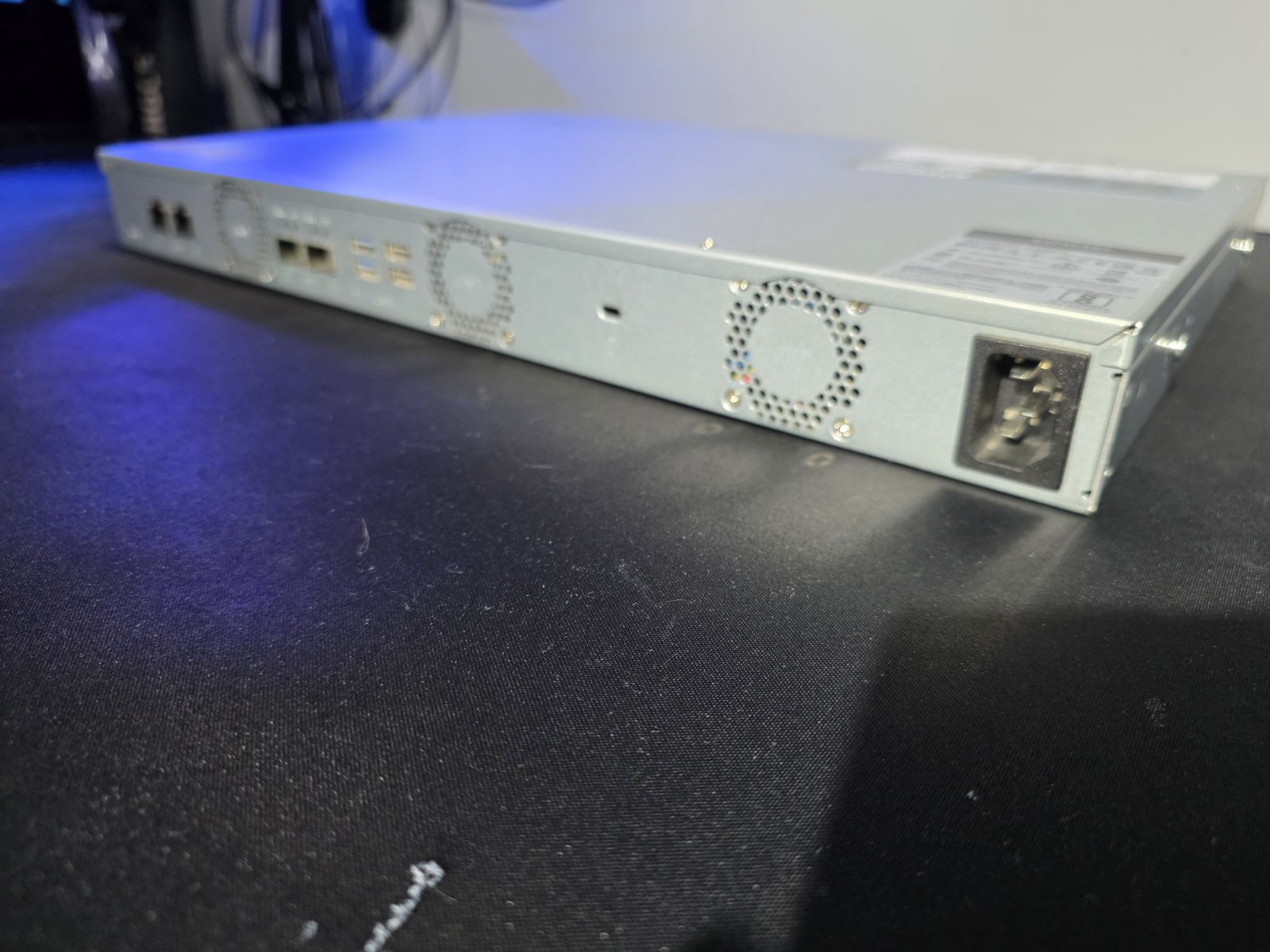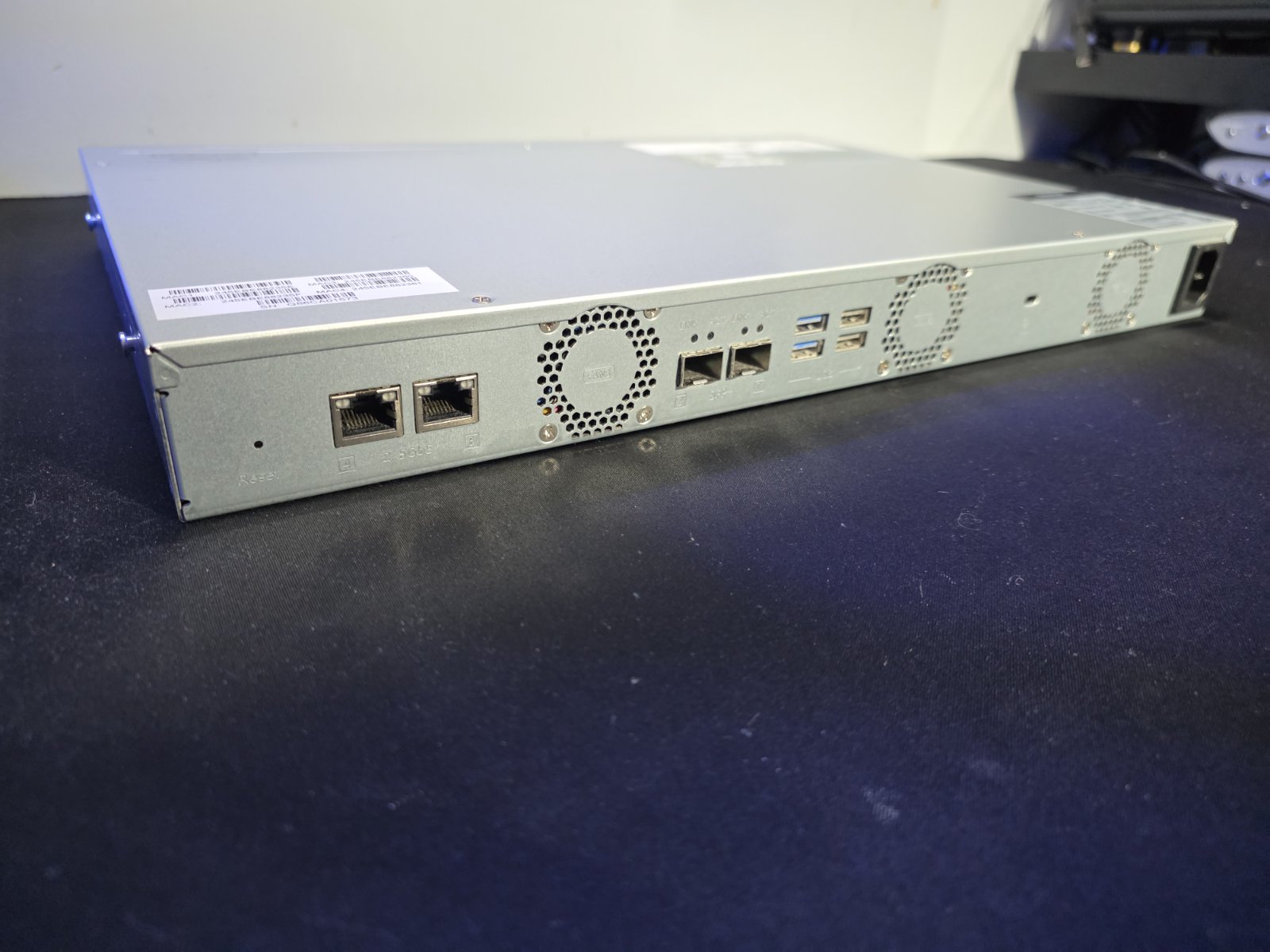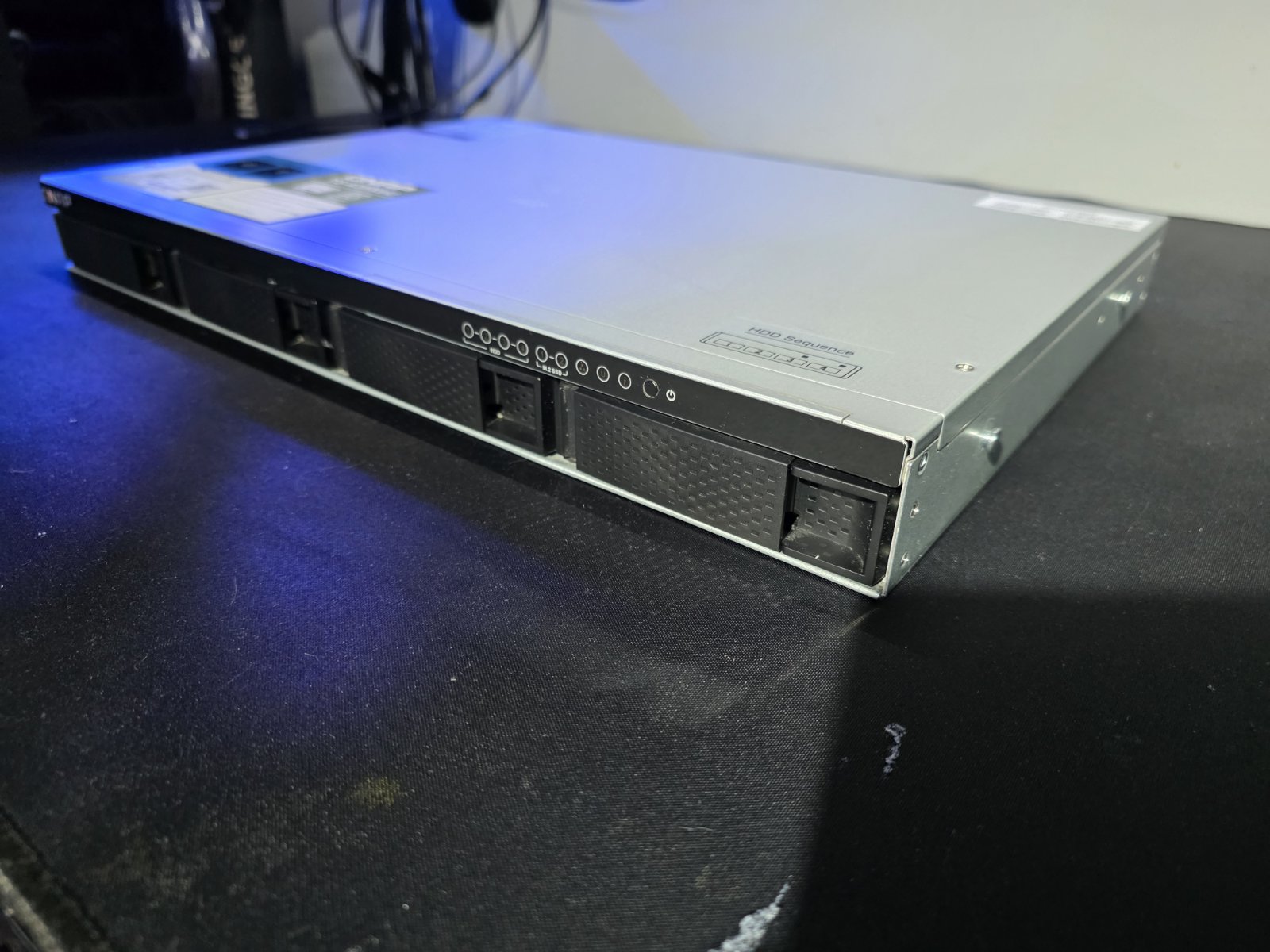
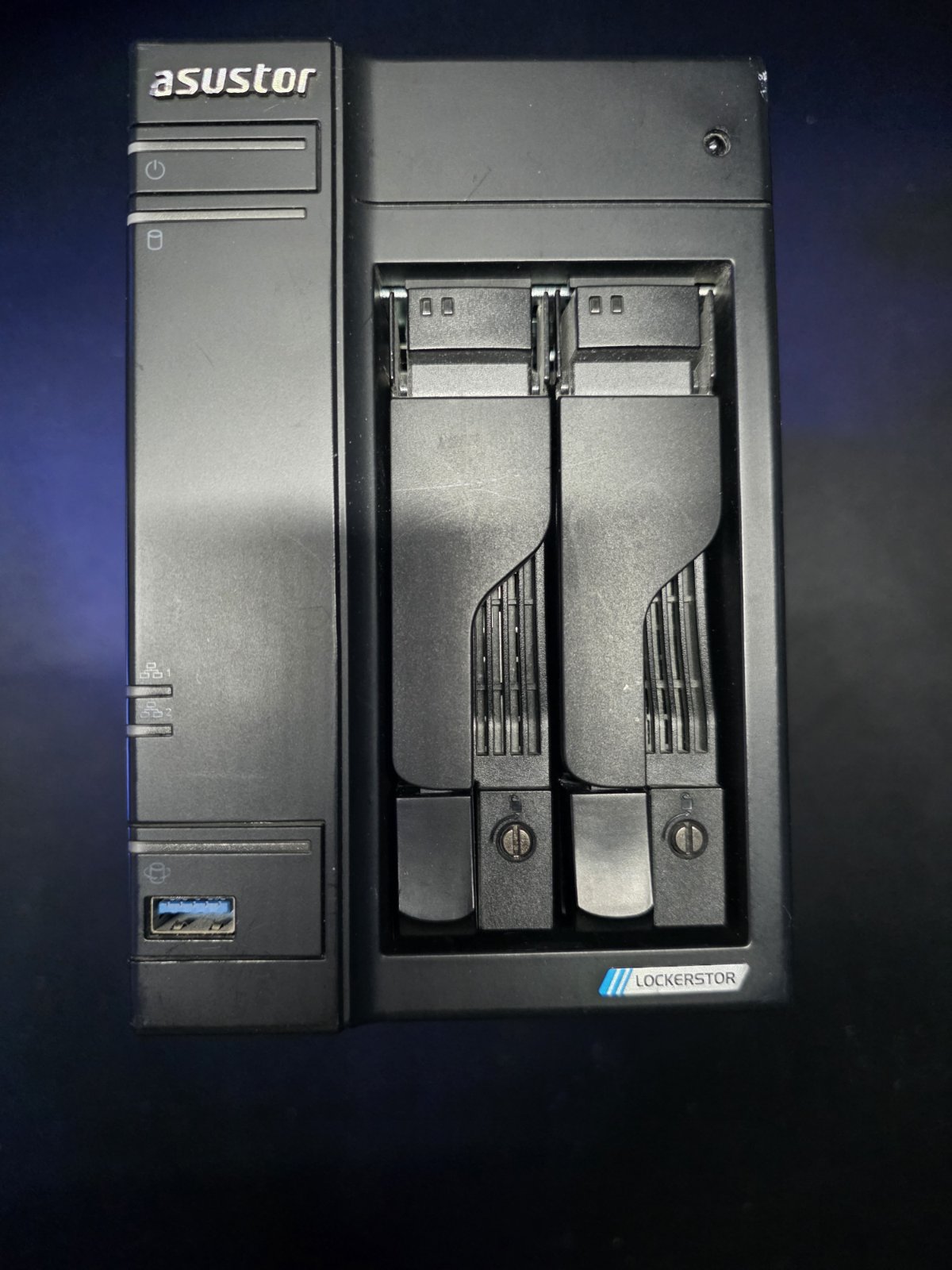
The time has finally come to upgrade my well-worn homelab storage. I am officially retiring my old, trusty tower NAS and moving up to a proper rack-mounted solution.
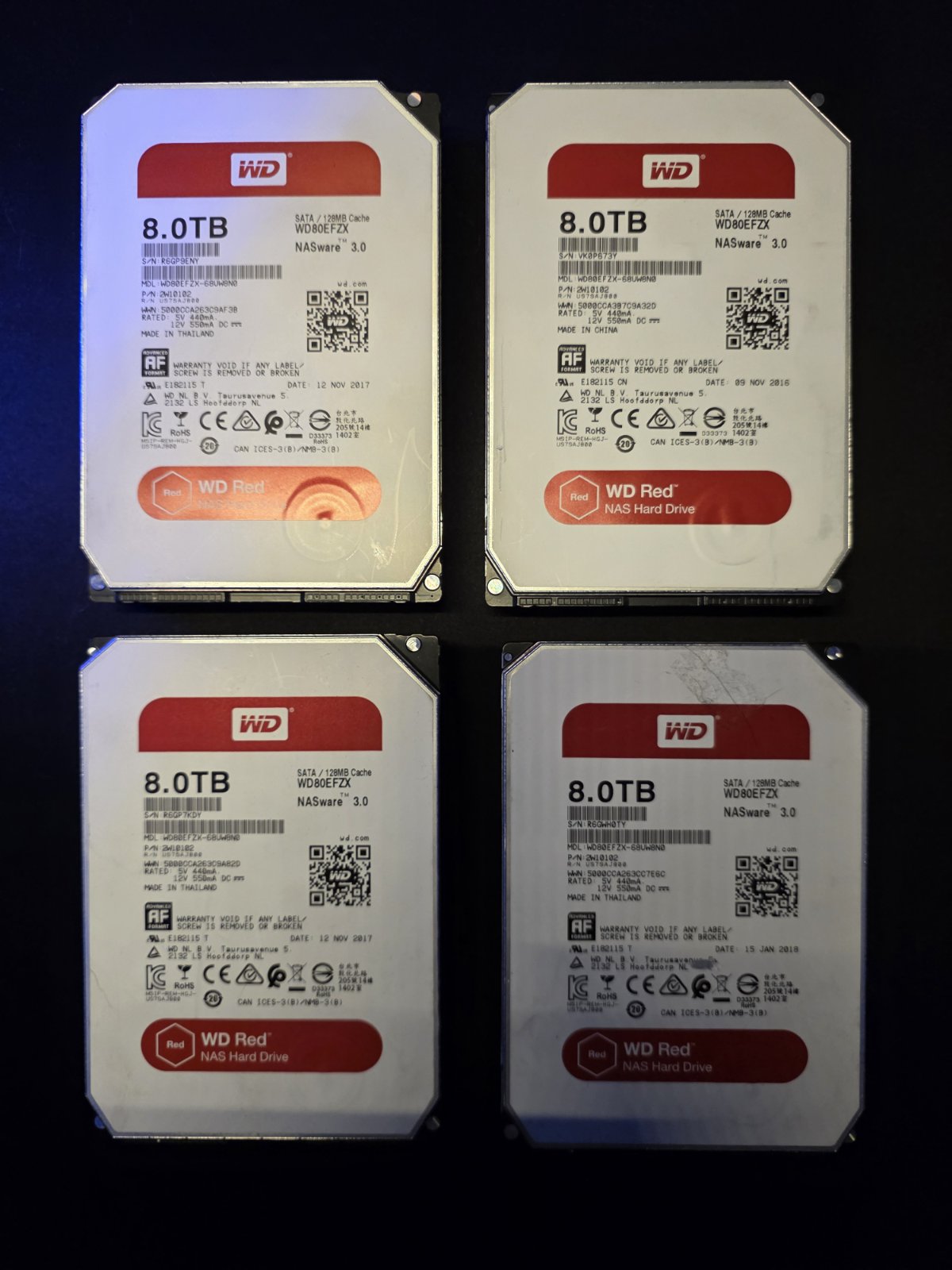
I am swapping out the Asustor AS6702T for a sleek, short-depth 1U workhorse: the 4-bay QNAP TS-435XeU-4G. Moving to a 4-bay chassis meant I had to expand my storage pool, so I purchased two additional 8TB WD Red hard drives to join the existing pair. To ensure the mechanical drives don’t bottleneck the system, I also installed two WDS200T1R0C NVMe SSDs to act as a high-speed cache.
The ultimate goal of this hardware overhaul? I want to see if this new NVMe-backed storage array can finally saturate and fully utilize my 10GbE homelab network infrastructure. Let the benchmarking begin!